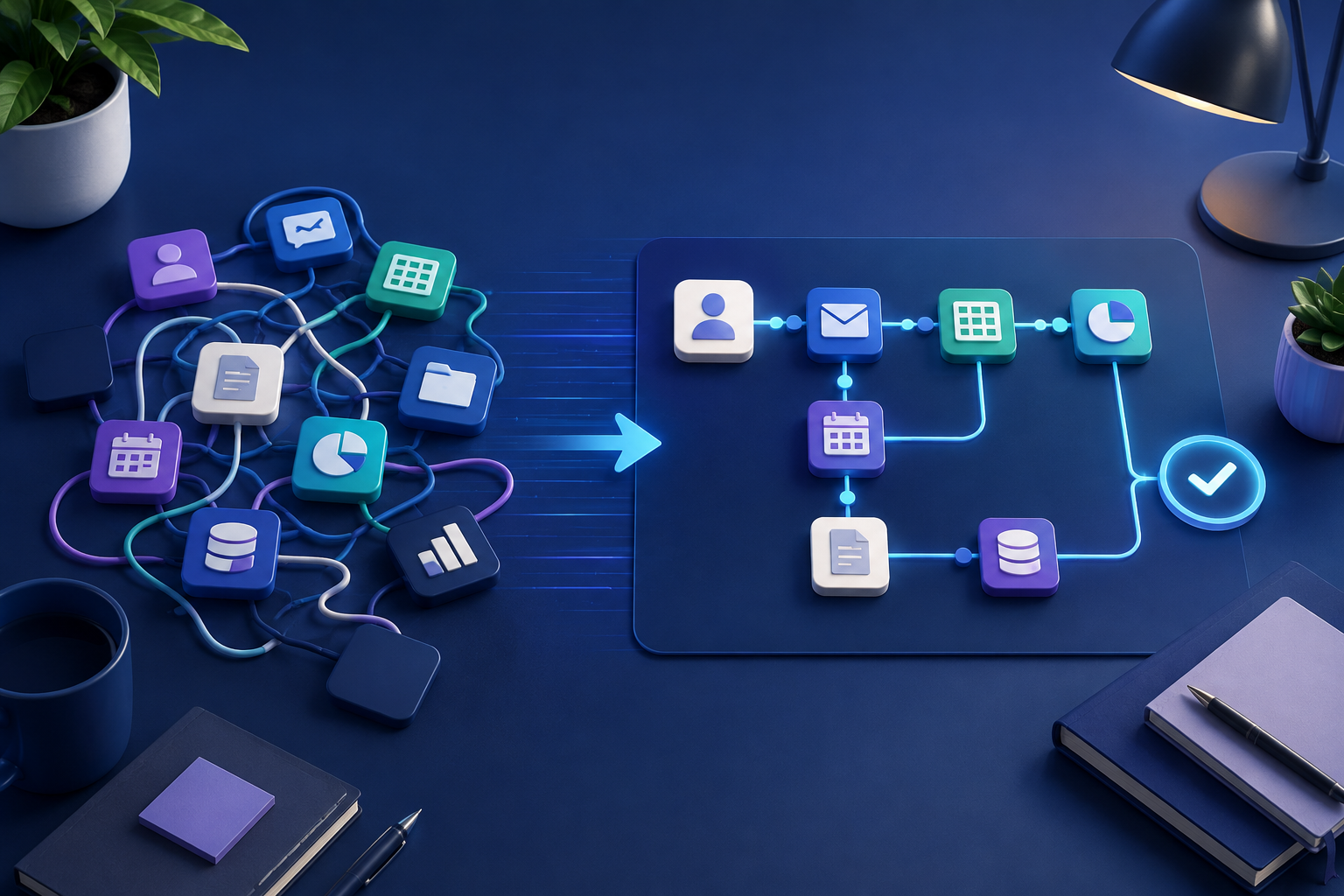
There's a specific failure mode that shows up constantly once a small business decides to "get serious about automation." Someone signs up for a form tool to fix intake. Then a separate tool for approvals. Then something else for notifications, because the first two don't talk to each other. Six months later there are five subscriptions, three of them barely used, and the actual process is somehow more confusing than when it was just a shared spreadsheet and a Slack channel.
This isn't a failure of any individual tool. It's what happens when automation gets bolted onto a process piece by piece, instead of the process being mapped out first and then automated as a whole.
What business process automation actually means
At its simplest, business process automation is taking a repeatable sequence of steps, the kind with clear handoffs between people or systems, and letting software handle the parts that don't need a human judgment call. Invoice approvals, employee onboarding, client intake, and expense reporting all have the same basic shape. Something comes in, it moves through a series of steps in a fairly predictable order, and eventually it's done.
The mistake is treating each step as its own separate problem to solve with its own separate tool, rather than treating the whole sequence as one process to design properly.
Why tool sprawl happens
It usually starts reasonably. A specific step is annoying, so someone finds a tool that fixes that one step. That tool works, so when the next annoying step shows up, the instinct is to repeat the pattern. Nobody's making a bad decision at any single point. But five tools in, nobody has a clear picture of the whole process anymore, each tool needs its own login and its own quirks memorized, and when something breaks, tracking down which of the five systems is the problem takes longer than the task itself used to.
The alternative isn't necessarily "buy one giant platform that does everything." It's mapping the process first, then deciding how much of it can live in one coherent workflow versus how many separate systems it genuinely needs to touch.
How to map a process before automating anything
This sounds like extra work up front, and it is, but it's the step that actually saves time later.
Write down what happens today, in order, including the annoying parts. Not the ideal version of the process, the actual version, including the workarounds people currently use. If an invoice approval process actually involves someone forwarding an email to three people and waiting for whoever replies first, write that down, not the official policy that says it goes through a single approver.
Mark which steps are genuinely rule-based and which need judgment. "If the invoice is under $500, auto-approve" is a rule. "Decide whether this vendor's pricing looks reasonable" is a judgment call, at least until there's enough history to build rules around it. Automation handles the first kind well and the second kind poorly, unless there's an AI step involved specifically to help make a first pass at that judgment.
Look at the handoffs, not just the steps. Most of the time lost in a manual process isn't the work itself, it's the gap between one person finishing their part and the next person noticing it's their turn. That's usually the single highest-value thing to automate, even before automating the individual tasks.
Decide how many systems this actually needs to touch. If the process only ever involves your CRM and your email, it probably doesn't need four separate tools. If it genuinely spans accounting software, a CRM, and a communication platform, that's a case for either a workflow automation tool built to connect systems, or a built solution designed around exactly that process.
A worked example: client onboarding
Say a service business's onboarding process today looks like this: a signed contract comes in, someone manually creates a folder for the client, sends a welcome email, adds them to the project management tool, and schedules a kickoff call, checking in with two other people along the way to make sure nothing's missed.
Mapped out, that's mostly rule-based: contract signed triggers folder creation, welcome email, project tool entry, and calendar invite, all of which can happen automatically and simultaneously rather than sequentially. The only genuine judgment call might be who gets assigned as the lead on the account, which could stay a quick manual step, or become a rule based on client type or size once there's enough pattern to build one.
That's one coherent workflow, not five separate automations bolted together after the fact.
Deciding whether to buy software or have something built
Once a process is mapped, the next decision is usually whether an existing no-code automation tool, or the ones you're likely already using, can handle it, or whether it needs something more custom because it spans too many systems or because the logic is more particular than a general tool handles cleanly.
If you're earlier in the process and still figuring out what "automation" even covers for a business like yours, start by mapping the work as it actually happens today. An outside perspective can be useful when it's hard to see which handoffs are creating the real bottlenecks.
Quick answers
Frequently asked questions
Want to map the right workflow first?
Talk through the repetitive work in your business and identify the automation opportunities worth prioritizing.
Book a strategy call