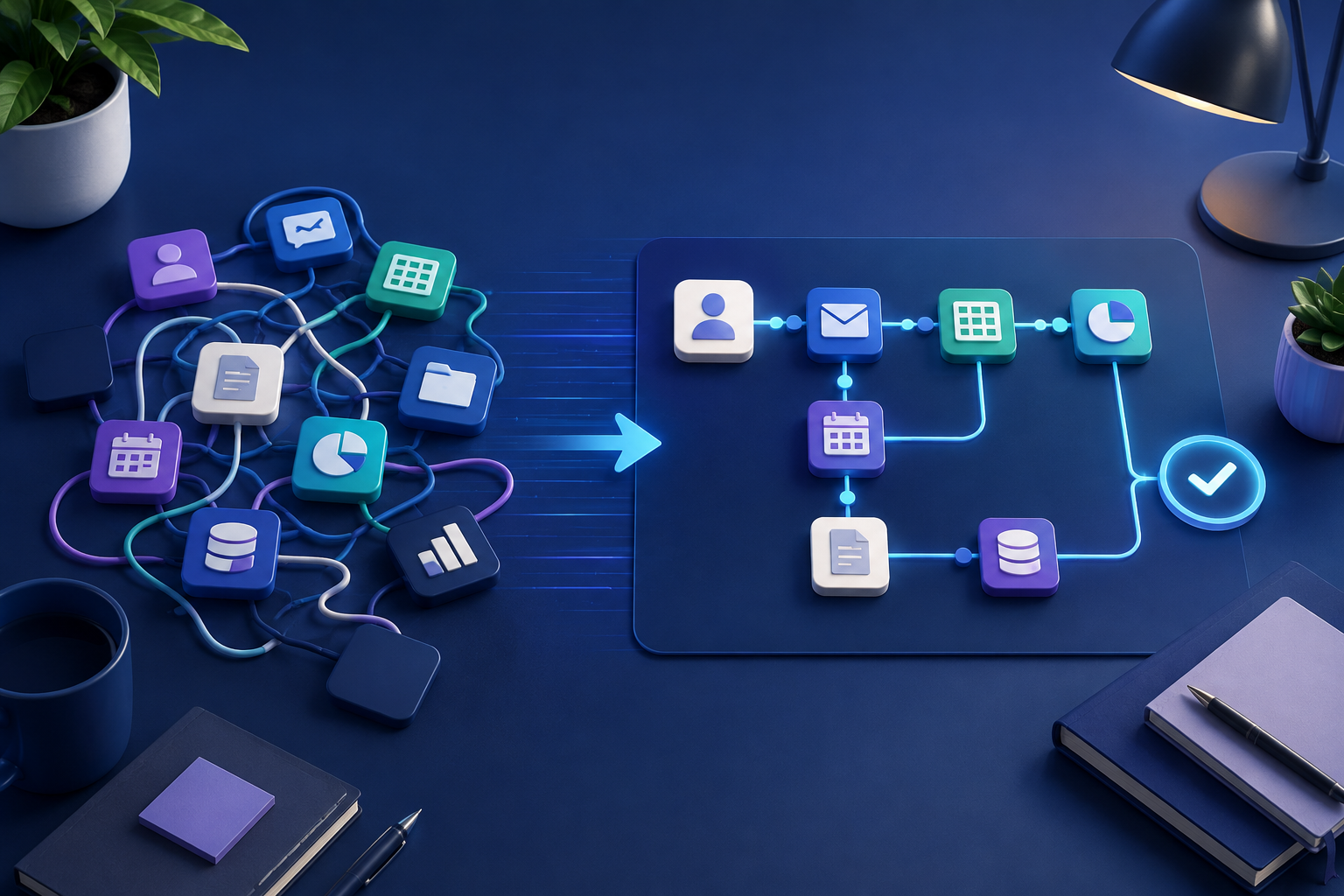
At some point in figuring out how to automate a process, almost every business hits the same fork in the road: do you sign up for one of the popular no-code automation tools and build it yourself, or do you get someone to build a custom workflow instead? Most of the content answering this question comes from the tool vendors themselves, which means it's rarely an unbiased take. Here's a more honest version.
The two broad categories
General-purpose no-code automation tools. Think Zapier, Make, and similar platforms. These connect apps you already use through pre-built integrations, triggered by an event in one app and resulting in an action in another. They're subscription-based, with pricing that generally scales with how much automation you're running, and they're designed to be usable without a developer.
Self-hosted or more technical workflow tools. n8n is the most common example: a more flexible, visual workflow builder that can be self-hosted and handles more complex logic than a typical no-code connector tool, but usually needs someone comfortable setting it up and maintaining it.
Custom-built automation. Rather than assembling a workflow from a general tool's building blocks, this means someone designs and builds a workflow specifically around your process, your systems, and your edge cases, whether that runs on one of the platforms above under the hood or as fully custom code.
None of these is universally "better." They're suited to different situations.
When off-the-shelf software is genuinely enough
If your process only touches one or two systems you already use, and the logic is fairly simple, this happens, so that happens, a general no-code tool is often the right call. It's fast to set up, doesn't require ongoing developer involvement, and the subscription cost is predictable.
It's also a reasonable starting point if you're not yet sure exactly what you want automated. Building something quickly and adjusting it yourself, without waiting on anyone else, has real value when you're still figuring out the shape of the process.
When a custom build tends to make more sense
The signs usually show up once you try to force a more complicated process into a general tool and it starts to strain. A few common ones: the process needs to combine data from more than a couple of systems in a way the tool's pre-built integrations don't cleanly support; the logic has enough exceptions and conditional branches that maintaining it inside a general tool's interface becomes its own full-time job; or the workflow needs to do something reasonably custom with unstructured input, like reading and classifying free-text messages in a way that goes beyond what a general tool's built-in AI features handle out of the box.
There's also a maintenance dimension that's easy to underestimate. A workflow built entirely inside a general tool is still your responsibility to monitor and fix when something upstream changes, an API updates, or a field gets renamed. A custom-built solution can be built with that maintenance burden explicitly planned for, sometimes including ongoing support, rather than assuming whoever set it up will also be the one keeping it running a year later.
The maintenance question nobody likes to bring up
This is worth dwelling on, because it's the part vendor content tends to skip. Whoever builds the first version of a workflow, whether that's you, an employee, or an outside team, needs to also be the one who fixes it when it breaks. And things do break: a connected app changes its interface, a field gets renamed, or a system gets replaced. If the person who built it has left, or never fully understood how it worked in the first place, "just automate it" quietly turns into "hope nothing changes."
This is less an argument for either path and more a reason to ask, before building anything, who owns this workflow long-term, and what happens when it needs a fix six months from now.
A simple way to decide
Ask three questions. How many systems does this process actually need to touch, and how well do a general tool's existing integrations cover them? How much of the logic is genuinely conditional, versus a straightforward trigger and action? And who's going to own this a year from now, and do they have the time and the technical comfort to maintain it?
If the answers point to a small number of well-supported systems, mostly simple logic, and someone in-house who's comfortable with the tool, a no-code platform is usually the right, faster, cheaper starting point. If the process spans more systems than the tool handles cleanly, the logic has real complexity, or nobody in-house has the time to own ongoing maintenance, a custom build, even if it costs more upfront, often ends up cheaper over the life of the workflow than the hours spent wrestling a general tool into doing something it wasn't quite built for.
Quick answers
Frequently asked questions
Want to map the right workflow first?
Talk through the repetitive work in your business and identify the automation opportunities worth prioritizing.
Book a strategy call