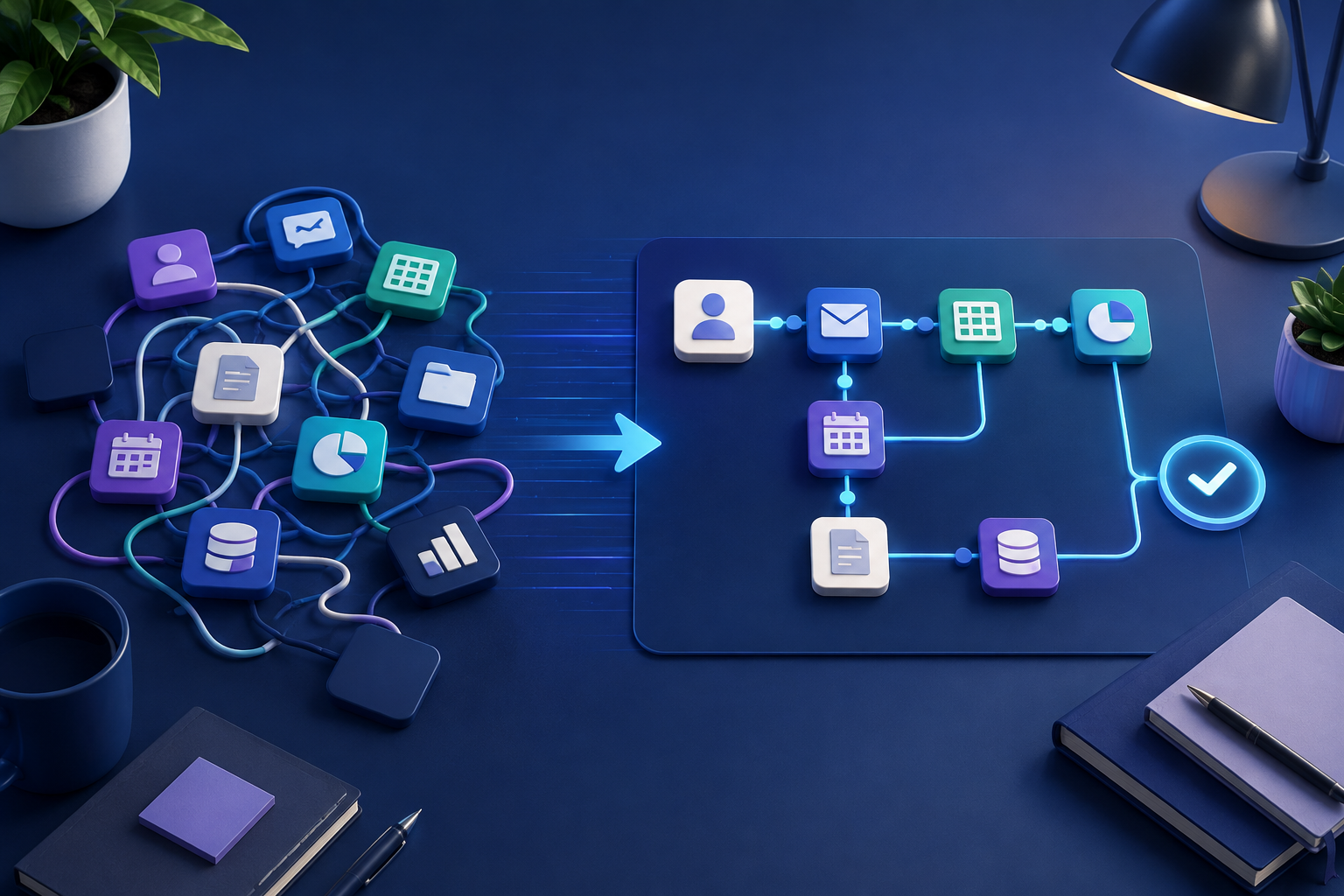
Retail is a strange fit for a lot of generic automation advice, because so much of it is written for either huge chains with warehouse robotics budgets, or for software-only businesses with no physical inventory at all. If you run a shop, a small chain, or an ecommerce operation with a few employees, most of that content isn't really talking to you.
The processes that actually eat up time in a retail business tend to be smaller and messier than what shows up in the case studies: reordering stock before you run out, keeping customers updated on where their order is, answering the same handful of questions over and over, and following up after a sale. None of that needs a warehouse full of robots. Most of it just needs a workflow that currently lives in someone's head, written down and handed off to software.
Where automation tends to earn its keep in retail
Reordering and stock alerts. If you're tracking inventory manually, or checking a spreadsheet every few days to see what's low, that's a process built for automation. A workflow that watches stock levels and flags or auto-generates a reorder when something crosses a threshold removes a task that's easy to forget and expensive when you do.
Order status and fulfillment updates. Customers asking "where's my order" is one of the most common support tickets in any retail business, physical or online. Automating status updates, so customers get notified at each stage without someone manually checking and emailing, cuts a surprising amount of back-and-forth.
Customer service triage. Not every message needs a person immediately. Order status questions, return requests, and simple product questions can often be sorted and handled automatically, leaving actual judgment calls, such as a complaint or unusual request, for a person to handle with full context.
Review and follow-up requests. Asking for a review or a repeat purchase after a sale is easy to automate and easy to forget to do manually, especially once you're busy.
What this actually looked like for one retailer
We worked with a retail client, Zeta Retail, on exactly this kind of process. The specific piece we automated was fulfillment: the handoff between an order coming in and it actually going out the door, including the status updates that used to be manual. The results after implementation were a 20% reduction in fulfillment-related costs, manual errors down 60%, and the overall fulfillment pace up 35%.
Worth being clear about what that does and doesn't mean. It wasn't a general "AI automation" overhaul of the business. It was one specific, well-defined process, fulfillment, that had a lot of repetitive manual steps and a clear point where those steps could be handed to a workflow instead of a person. That's usually the pattern with retail automation that actually works: pick one concrete process, not "automate the whole operation."
Where it doesn't help, at least not yet
If you're a small operation with a handful of SKUs and low order volume, an inventory automation workflow might take longer to set up than it saves you in a given month. It's worth revisiting once volume grows, but it's not always a day-one priority.
Highly custom or one-off orders, the kind where every order needs a judgment call about sourcing, sizing, or a special request, don't automate well. That's a case where a workflow can help gather the information faster, but the decision itself usually still needs a person.
And if your product catalog or supplier relationships change constantly, an automation built around today's setup can become more maintenance than it's worth. It's worth automating the parts of the process that are stable, and leaving the parts that are in flux for a person to handle until they settle down.
How to figure out what to automate first
Look at where your own time, or your team's time, actually goes in a normal week. The tasks worth automating first are usually the ones that are repetitive, rule-based most of the time, and either time-sensitive, like customers waiting on a status update, or error-prone when done manually, like stock counts and order details. If a task only comes up occasionally, or genuinely needs a judgment call every time, it's usually not the best starting point.
Quick answers
Frequently asked questions
Want to map the right workflow first?
Talk through the repetitive work in your business and identify the automation opportunities worth prioritizing.
Book a strategy call