If you run a small business and you've been anywhere near LinkedIn or a podcast feed lately, you've heard the phrase "AI automation" more times than you can count. Usually it's attached to a promise: save ten hours a week, replace your admin, run your whole business on autopilot. Most of that is overstated, and some of it borders on nonsense.
Here's the more useful version. AI automation, in practice, is a normal automated workflow with one or two steps where a computer has to make a judgment call instead of just following a fixed rule. That's it. It's less magical than the marketing suggests, but it's also more genuinely useful once you understand what it's actually doing.
Automation without the "AI" part
Regular automation has been around for decades. It's rule based: if this happens, do that. A form gets submitted, an email goes out. A file lands in a folder, it gets renamed and moved. No thinking involved, just a trigger and a fixed action.
That's still most of what a good automated workflow is made of, and it's the boring, reliable backbone of almost any process worth automating. The rules are clear, so the computer never has to guess.
Where "AI" actually enters the picture
The AI part shows up when a step in that workflow can't be handled with a fixed rule, because the input isn't structured or predictable. A few examples of what that looks like in practice:
Reading and sorting messy text. A customer email comes in. It might be a complaint, a billing question, a reorder request, or spam. There's no simple keyword rule that reliably sorts all of that. An AI step can read the email, figure out what it's actually about, and route it to the right person or process.
Pulling structured data out of unstructured documents. An invoice arrives as a PDF from a vendor you've never seen before, formatted however that vendor formats things. A traditional automation would need a template for every possible layout. An AI step can extract the vendor name, amount, and due date regardless of layout.
Drafting a first pass at something. Writing a reply to a common support question, summarizing a long call transcript, putting together a first draft of a weekly report. Not final output, but a starting point that a person reviews and sends.
Making a judgment call within limits. Deciding whether a lead looks like a good fit based on what they wrote in a form, then routing it accordingly. Flagging which of a hundred reviews are worth a personal response versus a form reply.
In every one of these, the workflow itself is still mostly ordinary automation. The AI is doing one specific job inside it: reading something unstructured and turning it into a decision or a piece of structured output the rest of the workflow can use.
What this looks like end to end
Take a real, unglamorous example: a service business that gets inquiries through a contact form, email, and occasionally a phone call transcript. Historically, someone has to read each one, figure out what it is, and either reply, forward it, or add it to a follow-up list.
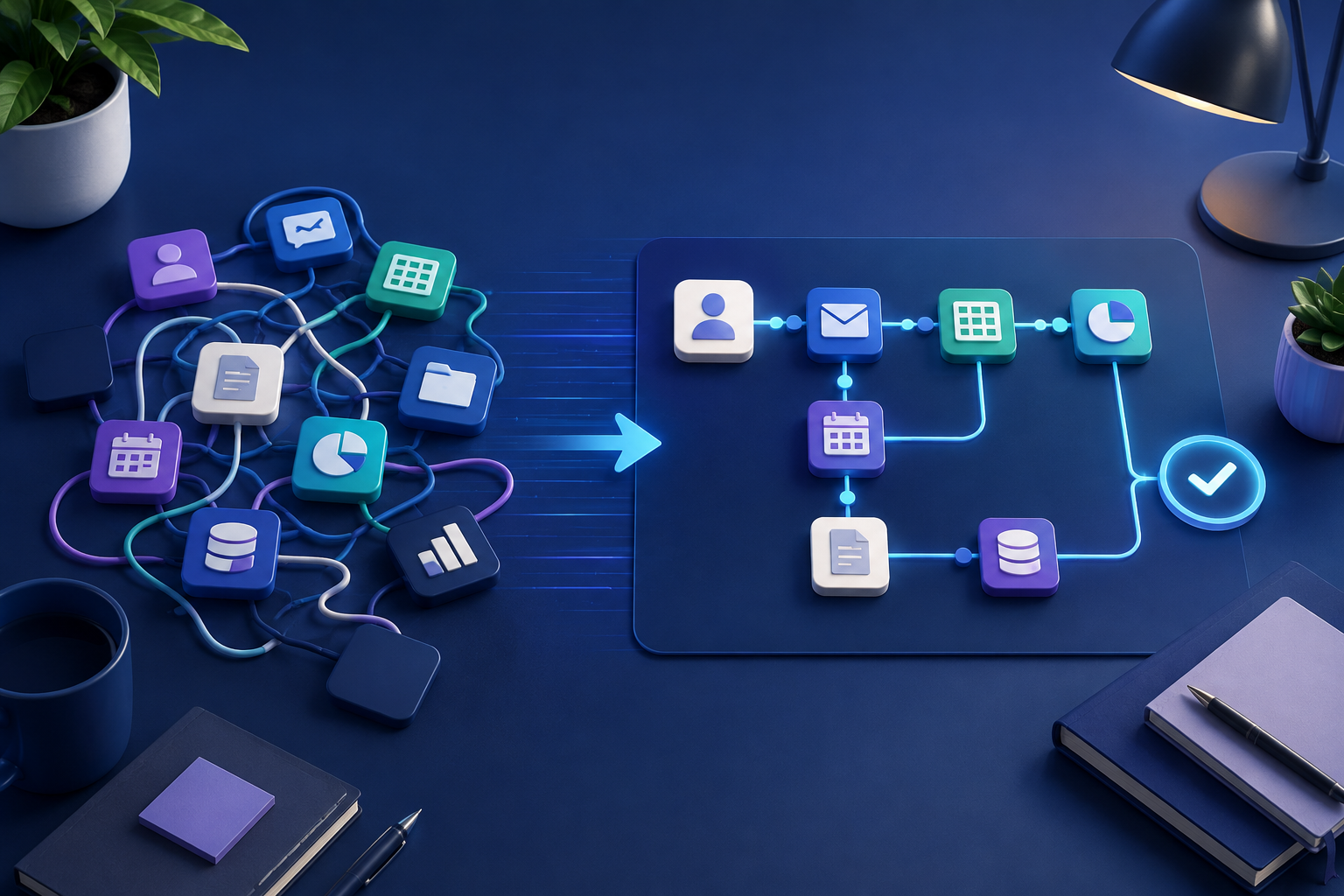
An AI-assisted version of that workflow might pull in the message regardless of source; read it and classify it as a new lead, existing customer question, complaint, or spam; pull out useful details such as name, request, and urgency; then route it, draft a reply for review, or add it to a CRM with the right tags already filled in. Nobody had to write regex patterns for every possible way a customer might phrase a question. That's the difference AI actually makes here: not that the business runs itself, but that sorting and drafting get a reasonable first pass automatically.
Where it doesn't help yet, and why that matters
This is the part most articles on this topic skip, and it's worth being honest about it.
If your process only happens a handful of times a month, building an automated workflow probably takes longer than just doing it by hand for the foreseeable future. If nobody on your team actually understands the process well enough to describe it clearly, automating it usually just automates the confusion. And if the decision genuinely requires context an outsider, human or AI, can't have, like knowing a specific client's history and quirks, it's often better left as a human judgment call with good notes, not a workflow.
AI automation is also not a replacement for having a clear process in the first place. If three different people currently handle the same task three different ways, that's a process problem to sort out before automation, not something automation fixes on its own.
How to figure out if something is worth automating
A simple filter that works for most small businesses: does this happen often enough that the time adds up? Is the process clear enough that you could write down the steps a new hire would follow? And does at least one step involve reading or judging something that doesn't fit a fixed rule?
If the answer to all three is yes, it's usually worth a closer look. If it's a one-off task, or the process itself is still fuzzy, it's worth fixing the process first.
Quick answers
Frequently asked questions
Want to map the right workflow first?
Talk through the repetitive work in your business and identify the automation opportunities worth prioritizing.
Book a strategy call