What an AI chatbot for business actually does
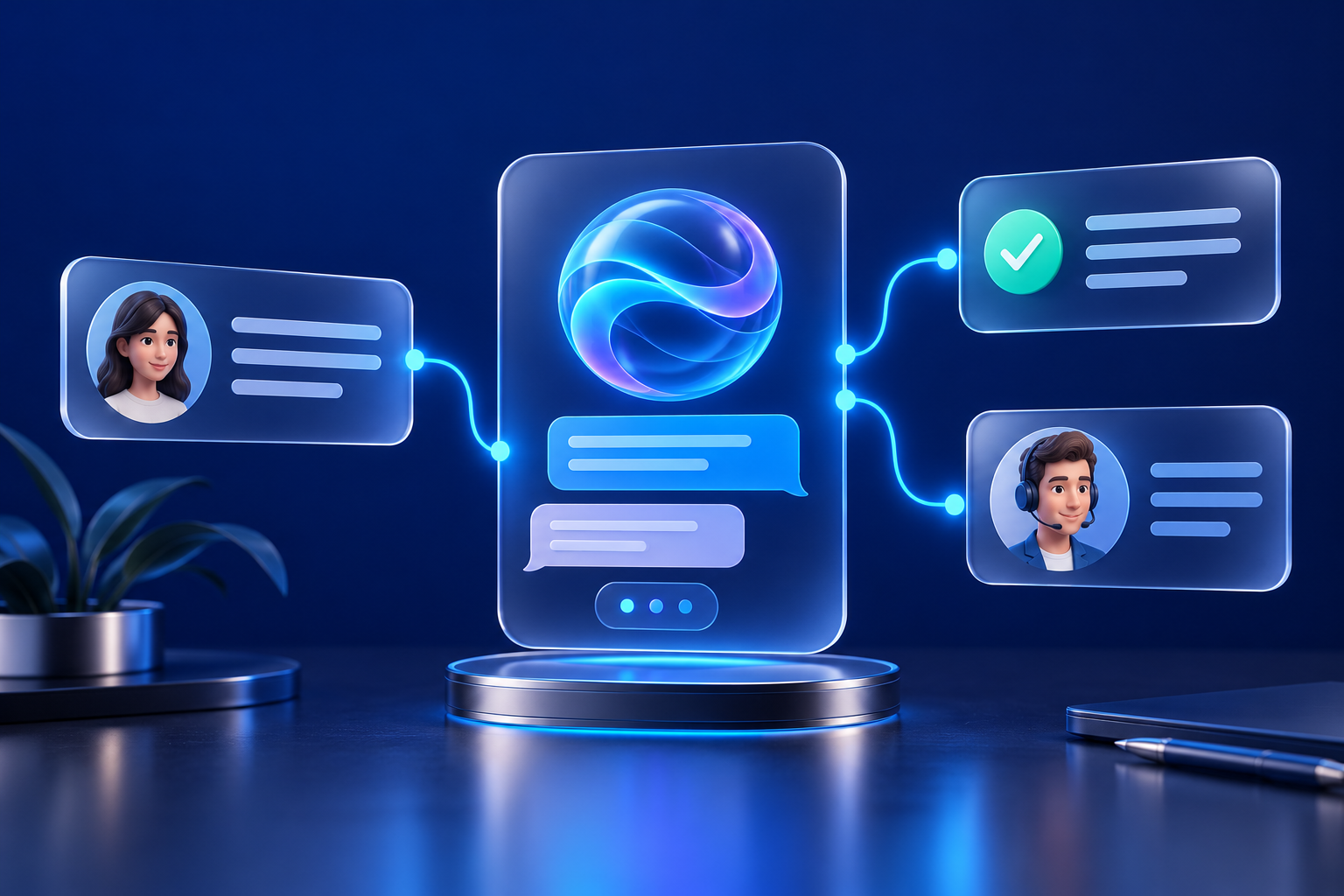
An AI chatbot for business is software that takes a customer or employee message, finds the relevant information, and replies in plain language. Unlike the old menu-driven bots ("press 1 for billing"), it reads free-form questions and answers from material you supply: help articles, policy pages, product sheets, price lists.
Most teams use business chatbots for three jobs:
- Answering repeat questions such as opening hours, delivery times and how a process works.
- Qualifying leads by asking two or three questions and passing the answers to a person.
- Helping staff internally, for example finding a policy or a template.
A chatbot does not replace judgement. It handles the predictable questions so your team has time for the unusual ones. If you want to see how chatbots fit alongside other automations, our services page lists what we build.
Is a chatbot the right fit? A 5-minute check
Before choosing any tool, pull your last 30 customer messages (emails, chats, calls you noted). Sort them into three piles:
- Same question, same answer. A chatbot suits these.
- Same question, answer depends on the customer. A chatbot can start the conversation, but a person finishes it.
- Unusual, emotional or high-stakes. Keep these human.
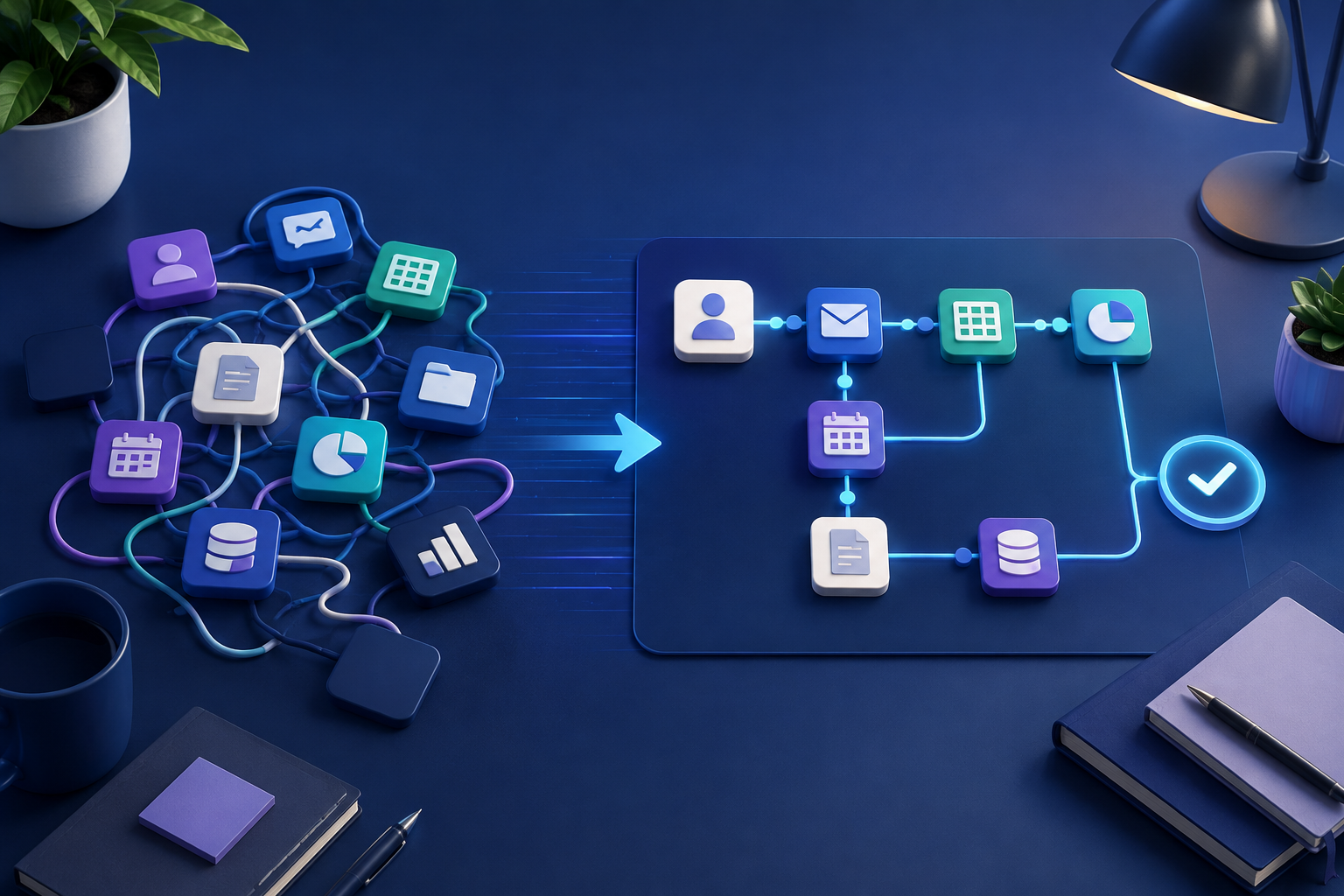
If pile 1 is under about a third of the total, a chatbot will save you little time. Fix your website copy first. If pile 1 is more than half, you have a strong first project. To map the steps around those questions before you build, the free AI Workflow Map is a useful starting point.
Step-by-step: set up your first business chatbot
Expect about half a day for a small first version, plus a week of testing. This is an estimate, not a promise; larger knowledge bases take longer.
- Write the scope in one sentence. Example: "Answer questions about delivery, returns and opening hours, and hand over anything else to email." If you cannot say it in one sentence, the bot will be vague.
- List the 15 to 25 questions it must answer. (If you are comparing providers instead of building it yourself, read our guide on how to choose an AI automation agency.) Use pile 1 from the check above. Write each question the way customers actually phrase it, including the messy versions ("where's my stuff").
- Write one approved answer per question. Keep each answer under 80 words, include one concrete next step, and note who owns the answer so it gets updated when policy changes. Put these in a single document. This is your knowledge base.
- Choose how to build it. There are three common routes:
| Route | Good for | Trade-off |
|---|---|---|
| Chat widget from a help-desk or website tool | Fastest start, little setup | Limited control over behaviour |
| Workflow tool (for example n8n) with an AI model | Connects chat to your own systems | Needs someone comfortable building workflows |
| Custom build | Unusual requirements | Highest cost and upkeep |
On a workflow tool such as n8n, the usual pattern is a chat trigger, an AI step that reads your knowledge base, and a reply. The n8n documentation states that every message to the Chat Trigger executes your workflow, so plan for each message to be a full run through your steps. Check current limits and pricing in the tool's own documentation before committing. You can see the kinds of builds we do on our Projects page.
- Give the bot rules. Write a short instruction block: be polite and brief, answer only from the knowledge base, say "I'm not sure, let me pass you to the team" when unsure, never guess prices or promise outcomes.
- Add a human handover. Every conversation needs a visible way to reach a person (an email, a form or a live agent). Test that it works.
- Launch to a small group first. Put it on one page or send it to staff for a week before the whole website.
A worked example: an FAQ bot for a small service business
Take a small cleaning company with a website and one inbox.
- Scope: pricing structure, service areas, booking changes, what is included.
- Knowledge base: 18 approved answers.
- Sample customer message: "Can I move my Thursday clean to Friday?"
- Good bot reply: "Yes, bookings can usually be moved if you tell us at least 24 hours ahead. Please send your booking name and the new day to the team through the form below, and they will confirm." (The 24-hour rule is the company's own policy, written into the knowledge base in Step 3.)
- Sample message the bot should hand over: "My cleaner broke a vase." The bot should apologise briefly and pass it to a person without discussing blame or compensation.
The point of the example: the bot never invents a rule. It repeats the approved answer and routes everything else.
Test it before customers do
Build a test sheet with three columns: question, expected answer, result.
- Run all 15 to 25 core questions in their messy phrasing. Mark each as correct, partly right or wrong.
- Add 10 questions outside scope (for example, "Can you recommend a lawyer?"). The correct result is a polite handover.
- Try 5 awkward inputs: a very long message, a message in another language, an angry message, a request to ignore its rules, and a question that mixes two topics.
- Fix and retest. Edit the knowledge base or instructions, then rerun the whole sheet. Do not launch until the core questions are right nearly every time and out-of-scope questions always hand over.
After launch, read a sample of real conversations weekly for the first month and add any missing answers.
Disclosure and data: what to check before launch
Rules differ by country and change over time, so treat this section as a checklist, not legal advice.
- Tell people it is a bot. The EU AI Act's Article 50 transparency duties, according to the Commission's practical guide, are due to apply from 2 August 2026, including telling people when they are interacting with an AI system. Confirm the current status and how it applies to you.
- Avoid deceptive claims. US regulators have signalled that misleading AI claims and fake human personas draw scrutiny; one law-firm summary of FTC guidance lists "five don'ts" on AI marketing. Read the FTC's own pages directly before relying on any summary.
- Know where messages go. Check which AI provider processes the chats, what its terms say about storage and training, and whether your privacy notice covers it.
- Do not collect what you do not need. Tell customers not to enter card numbers or health details in chat.
When not to use a chatbot
- Customers mostly contact you with complaints, refunds or medical, legal or financial questions where a wrong answer causes harm.
- Your information changes daily and nobody owns updating it.
- You get only a handful of messages a week. A clear FAQ page costs less.
- You have no one to monitor conversations.
If you are unsure whether your process is ready, a free AI Strategy Call can help you decide before you build.
A badly scoped bot is worse than none because it frustrates the customer and then creates work for your team.
If several of these apply, start smaller: improve your FAQ page, add a clear contact form, and revisit a chatbot once you have a stable set of answers and someone who owns them. Automation works best on a process that already runs well by hand.
Need a hand?
If you want help scoping or building a business chatbot, the New Age AI team can walk through your use case on an AI Strategy Call. You can also learn more about us or browse our other resources.
Quick answers
Frequently asked questions
Want to map the right workflow first?
Talk through the repetitive work in your business and identify the automation opportunities worth prioritizing.
Book a strategy call