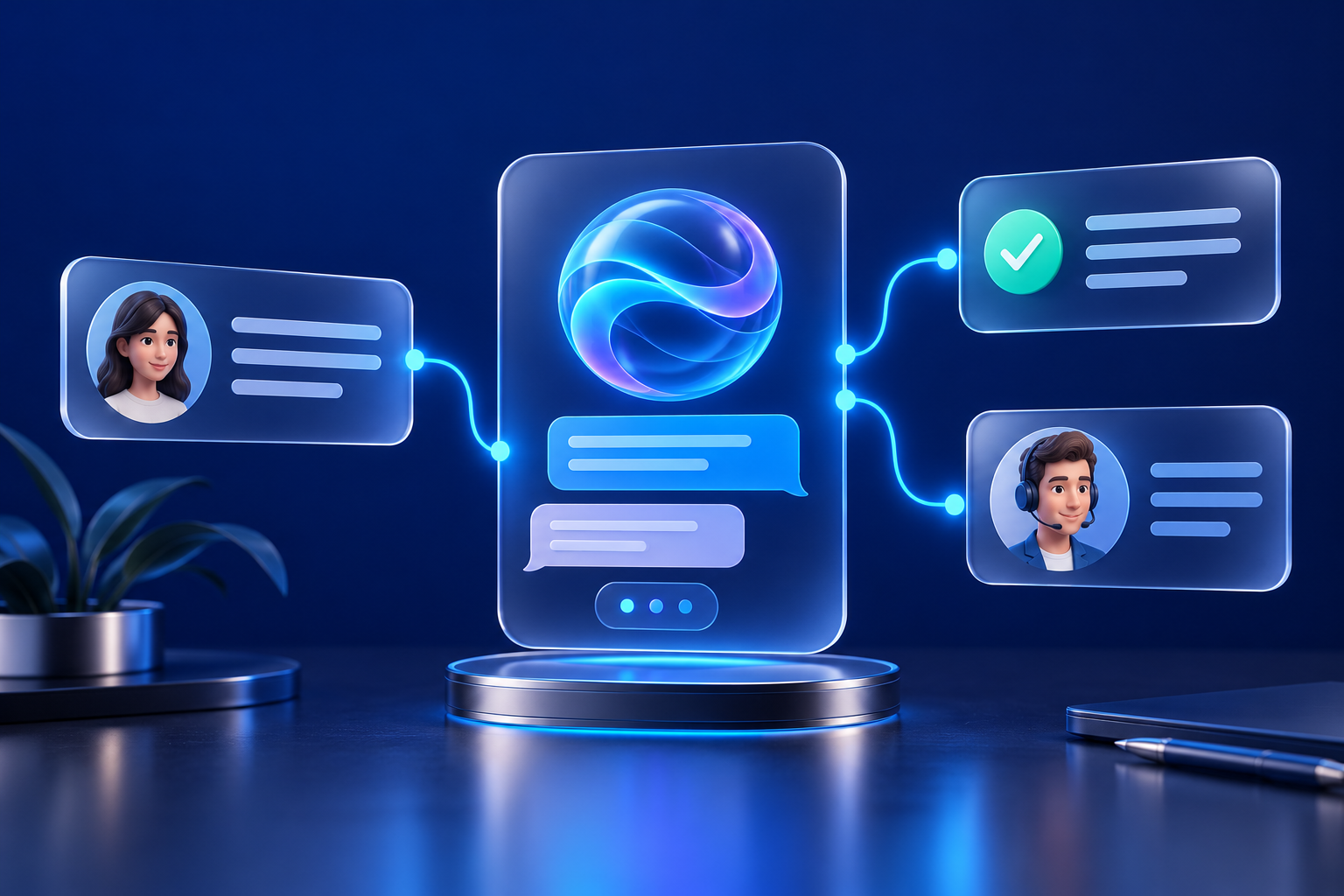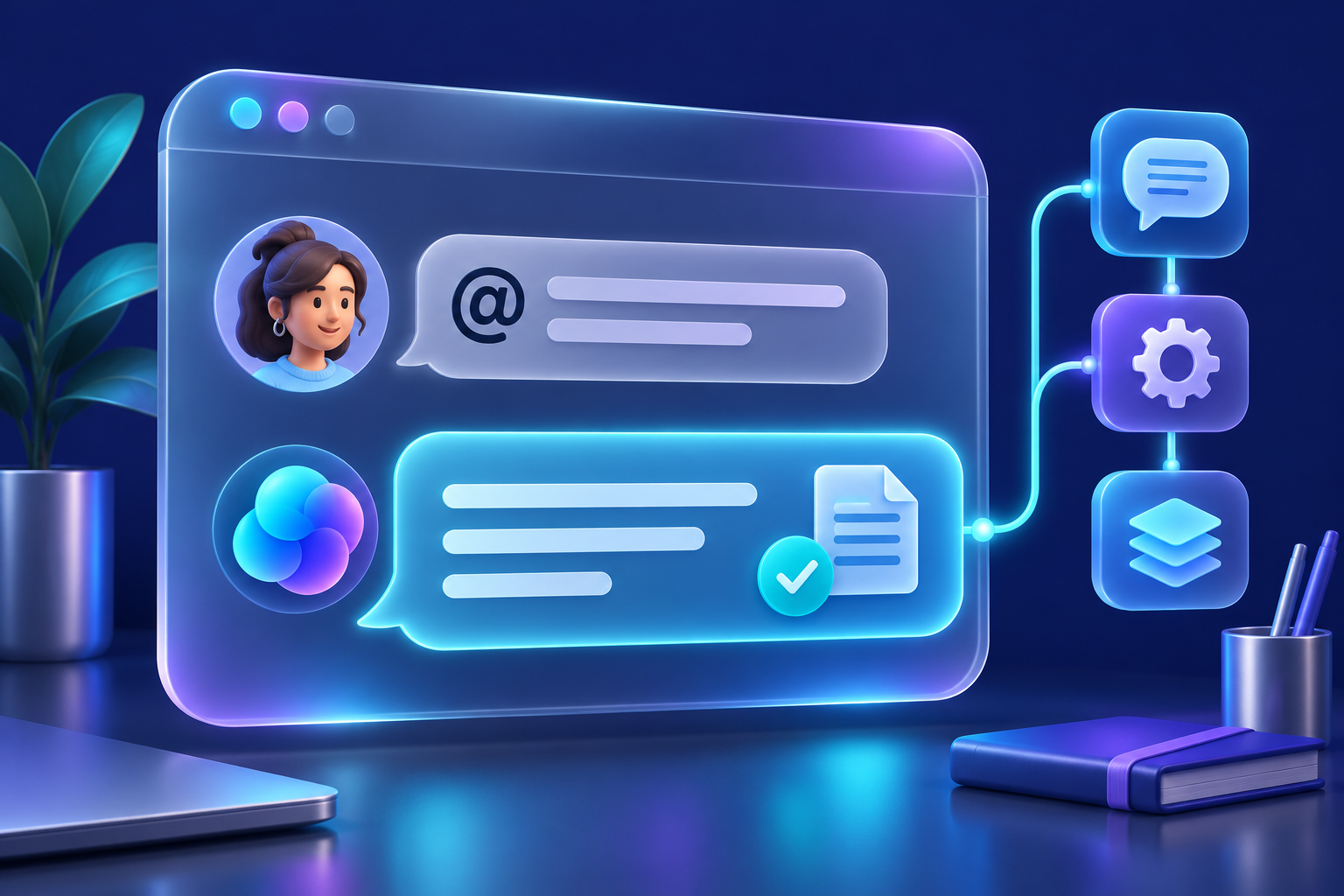
Picture this: someone on your team types @helpbot where is the expense form? and gets an answer in seconds, without pinging a coworker. That is a Slack bot, and a simple one is something you can build in an afternoon. This guide shows you how, using sample data you can copy, reply templates you can reuse, and a fix-it table for the errors people hit most. It also helps you decide whether a bot is worth building at all.
Quick answer (as of October 2026): A Slack bot is a Slack app with a bot user that can listen for events, such as being mentioned, and post messages. To build one, create an app, give it the permissions (scopes) it needs, install it to your workspace, invite it to a channel, and connect it to a workflow tool or to code. A simple first version takes roughly one to two hours (our estimate).
Scope: Slack's own setup steps and n8n's Slack setup, checked in October 2026. Slack and n8n change their menus and rules often; check their documentation before you build.
Which Route Should You Take?
| Route | Pick it if | Trade-off |
|---|---|---|
| Slack's starter app and command-line tool | You can code and want full control | Needs coding and somewhere to run it |
| A workflow tool, such as n8n | You want fixed replies, alerts or app-to-app steps without coding | You depend on the tool's features and limits |
| Hire a team to build it | The needs are complex or you have no time | Costs money and needs a clear brief |
Slack's quickstart for the first route has you install the Slack command-line tool, run slack create first-slack-app, choose the "Starter App" with Bolt for Python or Bolt for JavaScript, then run slack run and say "hello" to the app in a direct message (Slack quickstart). This guide follows the second route, which needs no code.
What You Will Build
A help bot that answers when someone mentions it.
- Input: @helpbot where is the expense form?
- Output: Hi! Here is where to look: the expense form is in the Finance folder. For anything else, ask in #ops.
For a first version, use a fixed reply. Add AI later, once the basics work.
Four terms you will see: a bot user is the account that posts; a token is the secret key that lets software act as that account; scopes are the permissions you grant; events are things the bot can hear, such as a mention.
Part 1: Create and Install the Slack App
- Create the app. Open Slack's app page at api.slack.com/apps and select Create New App. n8n's documentation recommends From a manifest, but From scratch also works: enter an App Name, choose your workspace and select Create App (n8n's Slack credentials guide).
- Add only the scopes you need. Under Features, select OAuth & Permissions, and in Scopes add the bot scope chat:write so the bot can post. To hear mentions, also add app_mentions:read. n8n's sample manifest requests many more scopes, such as reading channel history, so trim it to what your bot needs.
- Install it. In OAuth Tokens, select Install to Workspace, then Allow. If your workspace restricts app installs, an admin may need to approve it.
- Copy the token. Copy the Bot User OAuth Token and treat it like a password.
- Invite the bot to a channel. A bot cannot post where it is not a member. Slack's documentation says new apps do not start with the ability to post in all public channels, and posting to a channel the app is not in returns not_in_channel (chat.postMessage).
Takeaway: create the app, add a small set of scopes, install it, and invite it.
Part 2: Connect the Bot with n8n
n8n is a workflow tool. These steps use its Slack Trigger and Slack nodes.
- Add a Slack credential in n8n. Create a new Slack credential with the Access Token method and paste the Bot User OAuth Token. n8n's documentation says the Slack Trigger node needs an API access token, and OAuth2 does not work with the trigger (n8n docs).
- Add the trigger. Add a Slack Trigger node and choose the option for bot or app mentions. If your version labels it differently, pick the option that fires when the bot is mentioned.
- Tell Slack where to send events. In your Slack app, go to Features > Event Subscriptions and turn on Enable Events. Copy the Webhook URL from the n8n trigger and paste it into Slack's Request URL. Slack allows only one request URL per app. Then subscribe to the app_mention bot event.
- Add the signing secret. In Slack, go to Settings > Basic Information, copy the Signing Secret and paste it into n8n's Signature Secret field.
- Add the reply. Add a Slack node after the trigger. Choose the Message resource and the Send operation. Set the channel to the channel from the trigger and use one of the reply templates below as the message text.
- Save the workflow.
When a user mentions the bot, Slack sends the event to n8n. The event includes the message text, the user, and the channel where it happened (app_mention event).
Test It
- Use the n8n trigger's test mode to listen for an event.
- In Slack, in a channel where the bot is a member, type @helpbot where is the expense form?.
- Check that n8n received the event and the reply appears in the channel.
- Try a message in a channel the bot has not joined, and a message that does not mention the bot. Nothing should happen in either case.
- Publish or activate the workflow only after the test works. Use test messages only, not real customer details.
Time estimate: about one to two hours for a first version, including testing (our estimate).
If It Fails: Common Errors and Fixes
| What you see | Likely cause | Fix |
|---|---|---|
| not_in_channel | The bot is not a member of the channel | Invite it to the channel |
| channel_not_found | The channel value is invalid, or the app cannot open a DM with that user | Use the channel ID from the trigger, and check permissions |
| no_permission | The app is not a member of the conversation | Add the app to the conversation |
| The bot can post only where invited | New apps cannot post in all public channels | Invite the bot, or request the chat:write.public scope if you need to post without joining |
| No event arrives | Events not enabled, or the Request URL is wrong | Re-check Event Subscriptions and the n8n URL |
| It stops working after 12 hours | Token rotation is on | n8n warns that tokens then expire after 12 hours and that rotation can't be switched off again, so decide before you enable it |
| Bot posts too fast | Posting limits | Slack says an app can generally post about 1 message per second to a channel; add a delay |
Error names and limits come from Slack's chat.postMessage documentation and the n8n credentials page.
5 Bot Ideas for a Small Team
| Idea | What it does | Needs |
|---|---|---|
| Help bot | Answers common questions with a fixed reply | app_mentions:read, chat:write |
| New-lead alert | Posts a message when a form is submitted | chat:write and a webhook trigger |
| Weekly reminder | Posts a reminder on a schedule | chat:write and a schedule trigger |
| Overdue nudge | Messages the owner of a late item | chat:write and a data source |
| Request hand-off | Posts a request to the right channel | chat:write and a rule to choose the channel |
For the trigger side of the middle three, our guide to your first n8n workflow walks through a webhook example.
Keep It Safe
- Use the fewest scopes it needs. Add more only when a feature needs them.
- Treat tokens like passwords. Do not paste them into chat, screenshots or shared documents.
- Limit where it lives. Invite it only to the channels where it is useful.
- Keep sensitive data out of test runs, and read the data policies of Slack, n8n and any AI service you add.
This guide cannot confirm that any tool is secure or compliant for your situation.
When Not to Build a Slack Bot
- Few questions. If your team asks the same thing a handful of times a month, a pinned message is cheaper.
- Answers that change daily. A bot with stale answers is worse than none.
- Sensitive requests. Do not use a bot for decisions about pay, hiring or health.
- No owner. Someone must update replies and read what people ask.
Not sure what is worth automating? The free AI Workflow Map helps you list your processes first. Download Now.
Need Help With a Slack Bot?
New Age AI builds AI chatbots, including a Slack bot, as part of its services. The Projects page includes a Slack bot demo video. Our free AI Strategy Call is a 60-minute consultation with an AI expert, a tech stack audit of your current workflows, 3 automation ideas tailored to your business, and an action plan PDF sent after the call. Book Strategy Call.
Final Thoughts
A good first Slack bot is small: one job, a few scopes, a fixed reply. Build the help bot, break it on purpose, and fix what fails. Add AI or more channels only when the basics are reliable.
Related reading: n8n Workflow: How to Build Your First One, AI Chatbot for Business, How to Choose an AI Automation Agency.
This article is general information, not legal, financial, or security advice. Tools, features, and pricing change often; check each vendor's official documentation before you build or buy.
Quick answers
Frequently asked questions
Want to map the right workflow first?
Talk through the repetitive work in your business and identify the automation opportunities worth prioritizing.
Book a strategy call