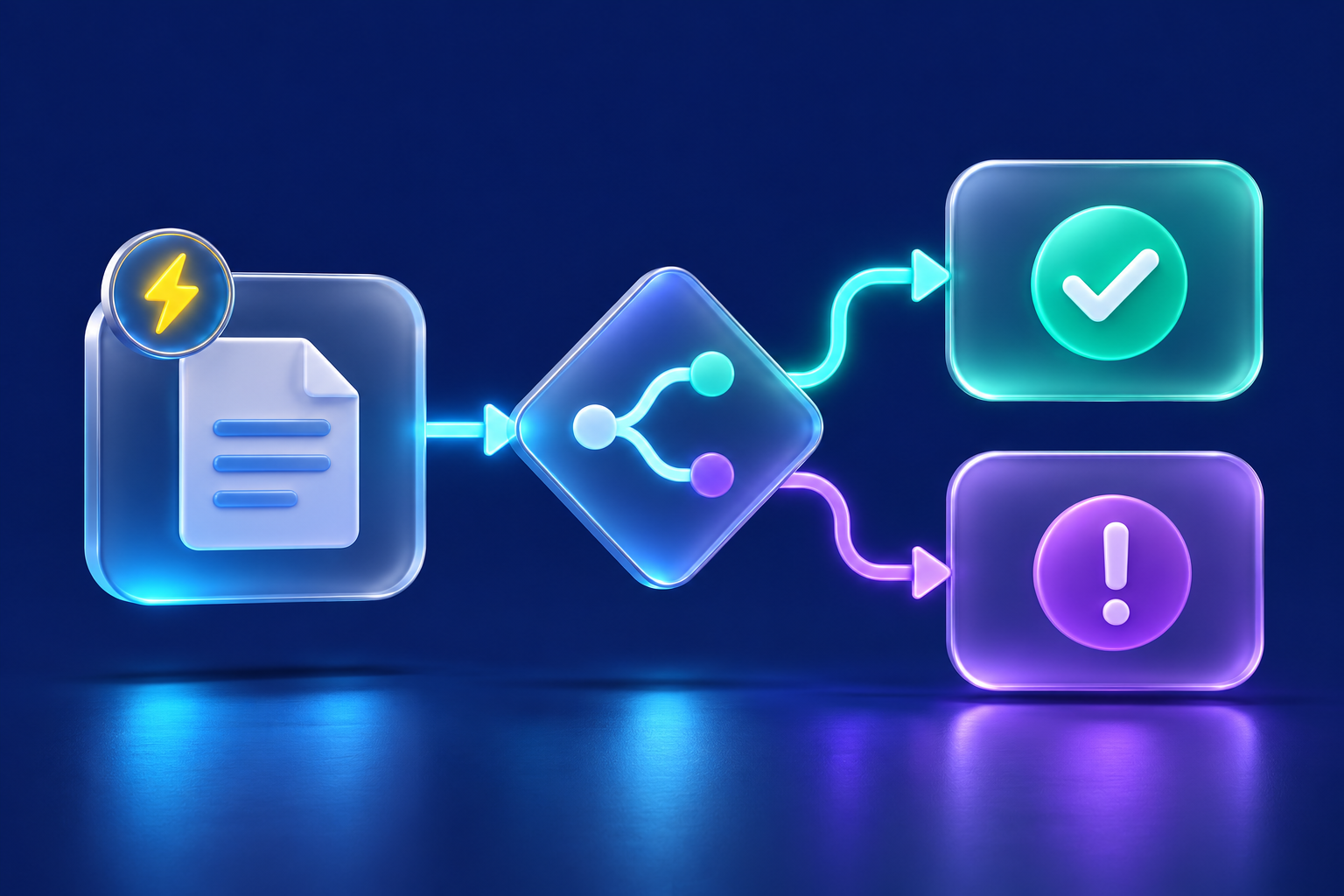
You do not need to understand everything about automation to build a working n8n workflow. You need one trigger, one decision and one result, plus sample data to test with. This guide gives you all three. By the end you will have a small workflow that checks a new sales lead and replies with either a clean summary or a clear error. You will also know how to test it, fix the usual problems, and decide what to build next.
Quick answer (as of October 2026): An n8n workflow is a chain of steps, called nodes. It starts with a trigger and then runs actions. To build your first one, add a Webhook node as the trigger, check the data with an If node, shape the reply with an Edit Fields node, test it with sample data, then publish it. Plan on roughly 30 to 60 minutes the first time (our estimate).
Scope: n8n Cloud or self-hosted. Menu names follow n8n's documentation, checked in October 2026. Your version may use slightly different labels.
What You Will Build
| Step | Expected result |
|---|---|
| Trigger | A web form (or a test command) sends a new lead |
| Check | Does the lead have an email address? |
| Result, good lead | Lead from Asha Rao (asha@example.com): Interested in a demo |
| Result, bad lead | Missing email: lead not saved |
It is small on purpose. Once this pattern works, the same trigger, check and result shape sits behind most simple automations.
Before You Start
- An n8n account on Cloud, or a self-hosted n8n you can open in a browser.
- A way to send a test request. The terminal command curl works, or you can use an HTTP Request node in a second workflow.
- The two sample leads below. No other apps or accounts are needed.
Plain-English glossary:
- Trigger: the event that starts the workflow.
- Node: one step in the workflow.
- Execution: one complete run, which n8n logs for you.
{
  "name": "Asha Rao",
  "email": "asha@example.com",
  "message": "Interested in a demo"
}
Bad lead: the same data with "email": "".
Build It in 6 Steps
- Create a workflow. From the n8n Overview page, create a new workflow and name it "First lead check".
- Add the trigger. Select the add-node button, search for Webhook, and add it. Set HTTP Method to POST. n8n generates a random Path by default, which is fine for a test. Set Respond to When Last Node Finishes, which returns the output of the last node that ran (Webhook node docs).
- Listen, then send the good lead. Select Listen for Test Event, and keep the tab open. In a terminal, run this, replacing the URL with your Test URL:
curl -X POST "YOUR_TEST_URL" -H "Content-Type: application/json" -d '{"name":"Asha Rao","email":"asha@example.com","message":"Interested in a demo"}'The data appears in the node's output panel. n8n usually places posted JSON under body, so the email sits in the email field inside body. Confirm the field names in your own output before moving on.
- Add an If node. Connect an If node after the Webhook. Add a condition on the email field with the operator is not empty. The If node also offers operators such as "exists" and "is empty" (If node docs). Drag the email field from the input panel into the condition instead of typing it.
- Add two Edit Fields nodes. Connect one Edit Fields (Set) node to the true output and one to the false output. In each, use Manual Mapping and add a field named reply. For the true branch, use an expression such as Lead from
{{ $json["body"]["name"] }}({{ $json["body"]["email"] }}):{{ $json["body"]["message"] }}. For the false branch, use the fixed text Missing email: lead not saved. Turn on Keep Only Set Fields in each, so the output contains only reply (Edit Fields docs). - Save, but do not publish yet. Test first.
Takeaway: a trigger, one decision and two outputs are enough for a real workflow.
Test It Before You Trust It
- Select Listen for Test Event again and run the curl command with the good lead. The true branch should run, with reply set to Lead from Asha Rao (asha@example.com): Interested in a demo.
- Listen again and send the bad lead. The false branch should run, with reply set to Missing email: lead not saved.
- If something looks wrong, use Execute step on a single node to check its output without running everything.
- Use fake data only.
Expected result: the curl response shows the reply text of whichever branch ran.
If It Fails: Quick Fixes
| What you see | Likely cause | Fix |
|---|---|---|
| Nothing shows in the editor | The Test URL only works while the node is listening, for 120 seconds after you select Listen for Test Event | Select Listen for Test Event again, then send the request |
| "Method not accepted" | The node accepts only one HTTP method by default | Use POST in curl, or turn on Allow Multiple HTTP Methods in Settings |
| "Path and method already in use" | n8n allows one webhook per path and method | Unpublish the other workflow or change the path |
| The wrong branch runs | The email field name differs from what you used | Check the output panel for the real field name, such as the email field inside body |
| Reply is empty | The expression points at a field that does not exist | Drag the field from the input panel instead of typing it |
These causes come from n8n's Webhook troubleshooting page.
Go Live: Test URL vs Production URL
| Test URL | Production URL | |
|---|---|---|
| When it works | Only while the node listens | After you publish the workflow, until you unpublish it |
| Where you see data | In the editor | In the workflow's Executions tab |
To go live, publish the workflow. Older n8n docs and tutorials call this turning the Active toggle on, so use whichever control your version shows. Send one request to the Production URL, then open Executions to confirm it ran.
Pre-launch checklist:
- Both sample leads gave the expected result in test mode.
- The workflow uses fake data, with no real customer details.
- You know where to look when it fails (the Executions tab).
- You added one node at a time and tested it, rather than building everything at once.
5 Good Workflows to Build Next
Pick one you would do by hand at least weekly, where a mistake is easy to spot.
| Idea | Trigger | Action | Why it is a good first project |
|---|---|---|---|
| Form alert | Webhook from a form | Send a message to the team | Same pattern as this guide |
| Form to spreadsheet | Webhook from a form | Add a row to a sheet | Replaces copy-and-paste |
| Weekly summary | Schedule Trigger | Send a short report | Shows how scheduling works |
| Overdue reminder | Schedule Trigger | Message the owner of an overdue item | Needs one clear rule |
| Request sorting | Webhook or email trigger | Route by category with an If node | Extends your first If node |
Want the Slack version of the first idea? Follow our guide to building a Slack bot. To add an AI step later, see our guide to an AI chatbot for business.
Not sure which process to automate first? The free AI Workflow Map helps you list and prioritize them. Download Now.
When Not to Automate This
- Low volume. If you get a handful of leads a month, a manual check may be faster than building and maintaining a workflow.
- An unclear process. If you cannot write the steps down, you are not ready to automate them.
- Sensitive decisions. Do not let a workflow alone decide things like refunds, hiring or eligibility.
Want a Second Pair of Eyes?
New Age AI's free AI Strategy Call is a 60-minute consultation with an AI expert, a tech stack audit of your current workflows, 3 automation ideas tailored to your business, and an action plan PDF sent after the call. Book Strategy Call, or see how we describe our services.
Final Thoughts
Your first n8n workflow does not need to be impressive. It needs to run, be testable, and do one useful thing. Build the example, break it with the bad lead, fix it, and publish it. Then pick a real task from your own work and repeat the steps.
Related reading: How to Build a Slack Bot, AI Chatbot for Business, How to Choose an AI Automation Agency, Workflow Automation Software: What to Buy vs. What to Build.
This article is general information, not legal, financial, or security advice. Tools, features, and pricing change often; check each vendor's official documentation before you build or buy.
Quick answers
Frequently asked questions
Want to map the right workflow first?
Talk through the repetitive work in your business and identify the automation opportunities worth prioritizing.
Book a strategy call